
Screen on Linux: Keep Commands Running After SSH Disconnects
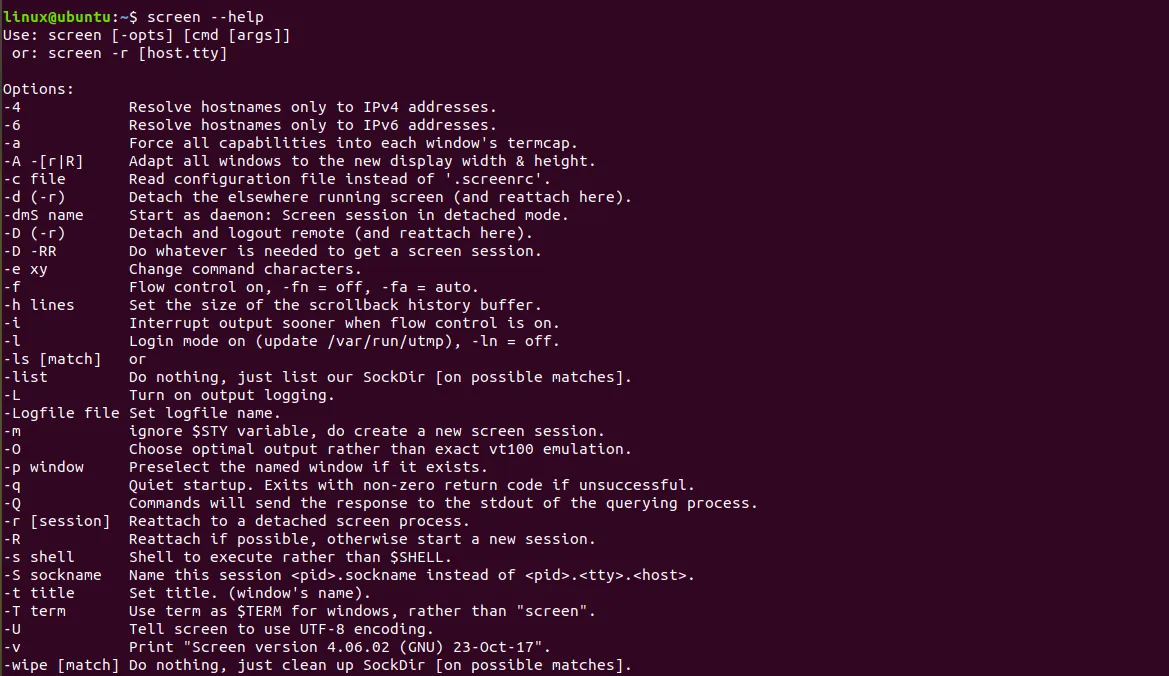
If an SSH connection drops during a long operation — a system upgrade, a backup, a project build — the process dies with the session. The screen utility solves this: the program keeps running on the server, and you can disconnect and come back to it later.
Installation
Ubuntu and Debian:
sudo apt install screenAlmaLinux, Rocky Linux (the package is in the EPEL repository):
sudo dnf install epel-release
sudo dnf install screen
The basic workflow
Create a session with a meaningful name:
screen -S backupA new shell opens. Start your command in it, then detach from the session with Ctrl+A, then D. The program keeps running and you can close the SSH connection.
Later, connect to the server and return to the session:
screen -r backupManaging sessions
screen -ls              # list sessions
screen -r backup        # reattach to a session
screen -d -r backup     # reattach even if the session is open elsewhere
screen -S backup -X quit   # terminate a session
A session also ends when you leave its shell with exit.
Start a command straight in the background
To run a program in its own session without opening it:
screen -dmS backup /opt/scripts/backup.shThe session closes automatically when the command finishes.
Key bindings
Every binding starts with Ctrl+A, followed by a second key.
| Keys | Action |
|---|---|
Ctrl+A, D |
detach from the session |
Ctrl+A, C |
create a new window |
Ctrl+A, N / P |
next / previous window |
Ctrl+A, " |
list windows |
Ctrl+A, A |
rename the window |
Ctrl+A, S |
split the screen horizontally |
Ctrl+A, Tab |
move to the next region |
Ctrl+A, [ |
scrollback mode (leave with Esc) |
Ctrl+A, K |
close the current window |
Ctrl+A, ? |
key binding help |
Logging output to a file
The -L option saves everything printed in the session to screenlog.0 in the current directory:
screen -L -S deployThat is handy for reading messages that have scrolled off the screen after a long operation.
Useful settings
Create ~/.screenrc:
defscrollback 10000
startup_message off
hardstatus alwayslastline "%H | %w"
The first line enlarges the scrollback buffer, the second removes the start-up message, and the third shows the host name and window list at the bottom.
Frequently asked questions
The session is marked Attached and I cannot return to it. The connection dropped, but the session thinks you are still attached. Use screen -d -r name.
Is there an alternative? Yes, tmux — a more modern equivalent with convenient screen splitting. screen is simpler and more often already installed on a server, so it is enough for “start and disconnect”.
What if the process must run permanently? For long-running services use systemd or containers, and for scheduled jobs use cron. screen is meant for one-off long operations on a server.