
Install Zsh and Oh My Zsh: Themes, Plugins, Autosuggestions
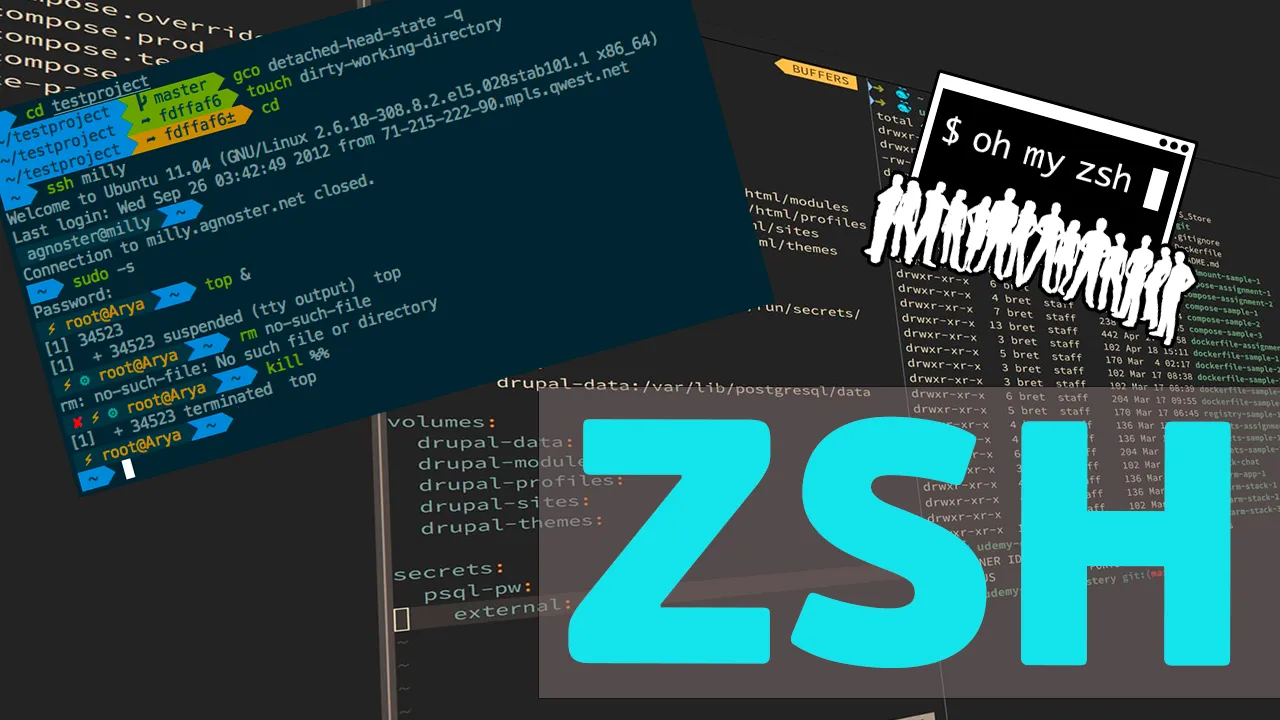
Zsh is a shell compatible with familiar Bash syntax but with smarter completion, typo correction and history shared between tabs. Oh My Zsh adds themes and hundreds of ready-made plugins on top of it.
Installing Zsh
Ubuntu and Debian:
sudo apt install zsh git curlFedora, AlmaLinux, Rocky Linux:
sudo dnf install zsh git curlArch Linux and Manjaro:
sudo pacman -S zsh git curlopenSUSE:
sudo zypper install zsh git curlFreeBSD:
pkg install zsh git curlCheck the version:
zsh --versionMaking Zsh the default shell
chsh -s $(which zsh)The change takes effect at your next login. To go back to Bash, run chsh -s $(which bash).
Installing Oh My Zsh
Installation is a single command:
sh -c "$(curl -fsSL https://raw.githubusercontent.com/ohmyzsh/ohmyzsh/master/tools/install.sh)"The script creates the ~/.oh-my-zsh directory and a new ~/.zshrc, keeping the old one as ~/.zshrc.pre-oh-my-zsh.
Themes
The theme is set in ~/.zshrc:
ZSH_THEME="agnoster"Apply the change:
source ~/.zshrcBuilt-in themes are in ~/.oh-my-zsh/themes. Popular choices are robbyrussell (the default), agnoster and bira. Some themes need fonts with extra glyphs, such as the Nerd Fonts collection.
Plugins
Plugins are listed in ~/.zshrc, separated by spaces:
plugins=(git sudo docker z extract)git— short aliases:gst,gco,gp;sudo— pressing Esc twice prependssudoto the command;docker— completion for Docker commands;z— jump to frequently visited directories:z proj;extract—extract fileunpacks an archive of any format.
Autosuggestions and syntax highlighting
The two most useful plugins are not bundled and are installed separately:
git clone https://github.com/zsh-users/zsh-autosuggestions ${ZSH_CUSTOM:-~/.oh-my-zsh/custom}/plugins/zsh-autosuggestions
git clone https://github.com/zsh-users/zsh-syntax-highlighting ${ZSH_CUSTOM:-~/.oh-my-zsh/custom}/plugins/zsh-syntax-highlighting
Add them to the list:
plugins=(git sudo docker z extract zsh-autosuggestions zsh-syntax-highlighting)After source ~/.zshrc the shell suggests commands from history (accept with the right arrow) and highlights mistyped command names before you press Enter.
Updating and removing
omz updateRemove Oh My Zsh and restore the previous .zshrc:
uninstall_oh_my_zshZsh on a server
All settings live in a single ~/.zshrc file, so it is easy to carry between servers. On a VPS with minimal memory, do not load dozens of plugins: each one slows shell start-up a little.