
Cockpit: A Web Interface for Managing a Linux Server
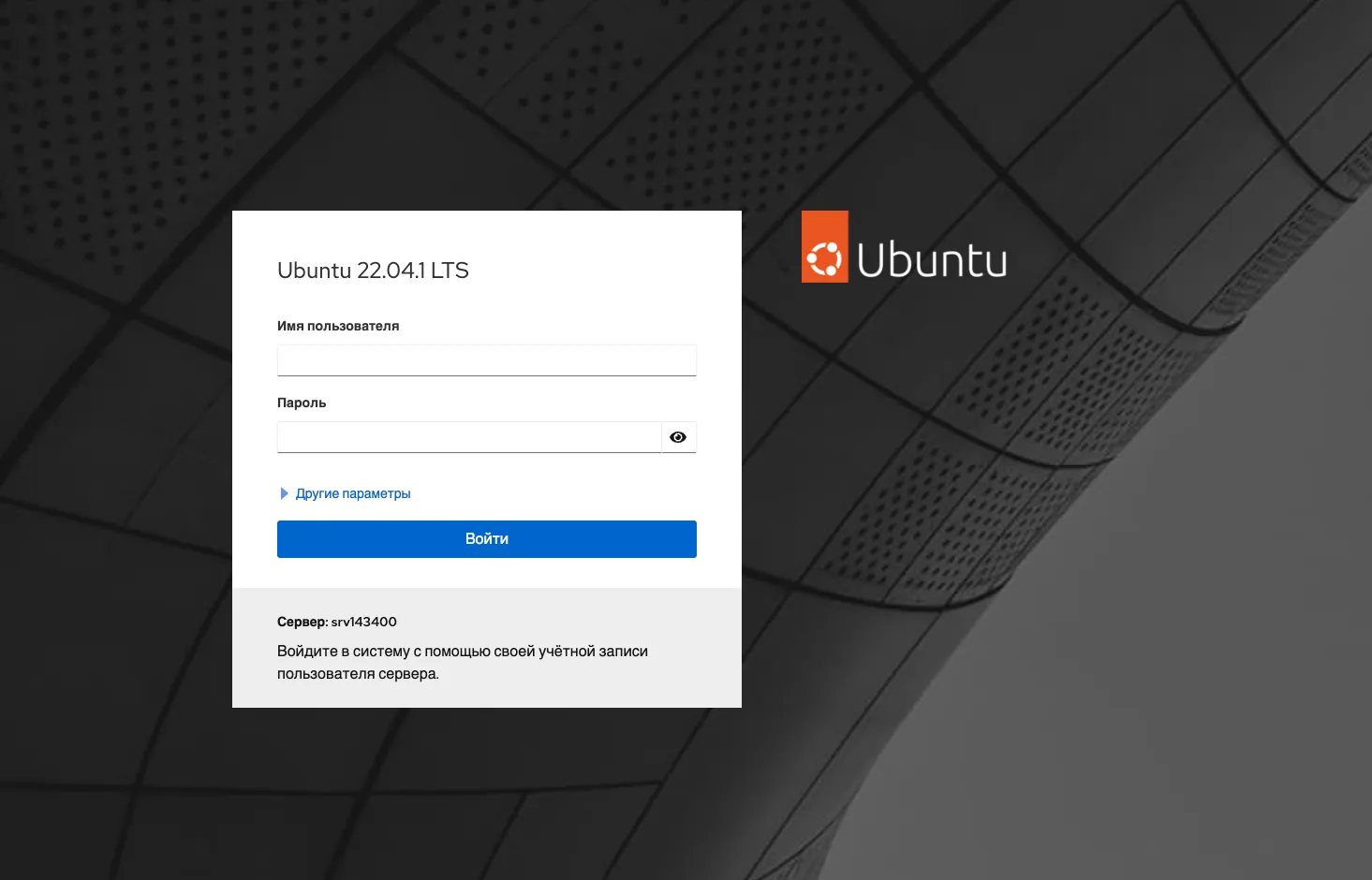
Cockpit is a lightweight web panel for administering a Linux server. It shows the load, lets you manage services, disks, networking and updates, and gives you a terminal right in the browser. Unlike hosting control panels, Cockpit installs no services of its own and does not rewrite the system configuration: it works with the same tools you use in the shell.
What Cockpit can do
- CPU, memory, disk and network load graphs;
- start, stop and inspect systemd services;
- system logs with filtering;
- manage disks, partitions and mount points;
- configure network interfaces and the firewall;
- install updates;
- manage user accounts;
- a terminal in the browser;
- add-on modules for virtual machines and containers.
Everything you change in the shell shows up in Cockpit immediately, and vice versa.
Installation
Ubuntu and Debian
sudo apt update
sudo apt install cockpit
sudo systemctl enable --now cockpit.socket
The Cockpit version in stable release repositories may not be the newest. A more recent one is available from backports:
. /etc/os-release
sudo apt install -t ${VERSION_CODENAME}-backports cockpit
AlmaLinux, Rocky Linux, RHEL
sudo dnf install cockpit
sudo systemctl enable --now cockpit.socket
sudo firewall-cmd --permanent --add-service=cockpit
sudo firewall-cmd --reload
The service is socket-activated: until you open the panel, Cockpit uses no memory.
First login
The panel is available at:
https://your-server-ip:9090The browser warns about a self-signed certificate — continue. Log in with a system user’s login and password.
Main sections
- Overview — system status, load, available updates.
- Logs — the system journal with search and filtering by priority and service.
- Storage — disks, partitions, RAID, LVM and free space.
- Networking — interfaces, bridges, VLANs and firewall rules.
- Accounts — users, groups and SSH keys.
- Services — every systemd unit with its own log.
- Software Updates — the list of available packages and one-click installation.
- Terminal — a full shell in the browser window.
Add-on modules
Functionality is extended with packages. An installed module appears in the menu after you reload the page.
| Package | Purpose |
|---|---|
cockpit-storaged |
advanced disk management |
cockpit-networkmanager |
network configuration |
cockpit-packagekit |
updates and application installation |
cockpit-machines |
KVM virtual machines |
cockpit-podman |
Podman containers |
cockpit-sosreport |
diagnostic reports |
sudo apt install cockpit-machines cockpit-podmanSeveral servers in one panel
Cockpit can connect to other servers over SSH. Install it on each server, then add the others in the main panel through the host switcher in the top-left corner. Port 9090 does not need to be open on the additional servers.
Securing access
The panel gives full control over the server, so port 9090 must not be open to the whole internet.
Restrict by IP address:
sudo ufw allow from 198.51.100.7 to any port 9090 proto tcpAccess through an SSH tunnel only. Bind Cockpit to the loopback address:
sudo mkdir -p /etc/systemd/system/cockpit.socket.d
printf '[Socket]\nListenStream=\nListenStream=127.0.0.1:9090\n' | sudo tee /etc/systemd/system/cockpit.socket.d/listen.conf
sudo systemctl daemon-reload
sudo systemctl restart cockpit.socket
and connect through a tunnel:
ssh -L 9090:127.0.0.1:9090 user@203.0.113.10The panel opens at https://localhost:9090.
A proper certificate. To get rid of the browser warning, put a certificate and key in /etc/cockpit/ws-certs.d/ as files with the .crt and .key extensions and restart the service.
Also enable two-factor authentication: Cockpit uses the same PAM stack as SSH.
Cockpit or a hosting control panel
Cockpit is an administrator’s tool: it helps you watch a server and do routine operations, but it does not create sites, mailboxes or databases. If you need a panel for hosting sites, look at HestiaCP. For long-term metric storage and alerting, pair Cockpit with Grafana and Prometheus.